The premiums follow your configured times and rates – the same rules in the schedule, the time clock and the report.
How to do it
- 1
Set the premium windows
Under settings you state which hours carry a premium (OB) and at what compensation.
- 2
The system calculates automatically
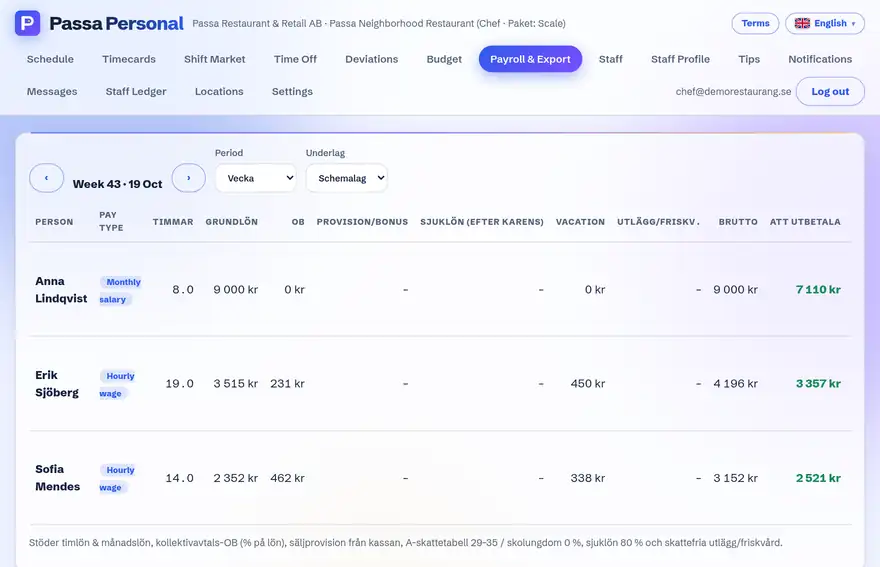
Every clocked time is split into regular time and premium periods.
- 3
See the split
In the monthly report you see, per person, how the hours are distributed.
Tip
If you change the premium rules, they apply from the day of the change – old periods are not recalculated afterwards.