With Passa Personal you are up and running in minutes – no kickoff meeting and nobody needs to remote into your computer.
How to do it
- 1
Install
Upload the system to your web host and open the installation page. Pick a database: SQLite is fine for smaller businesses, MySQL for larger ones.
- 2
Create the company
Enter the company and your first restaurant, and create the owner account in the wizard.
- 3
Invite your staff
Share the unit’s join code (lokalkod) – staff register themselves with it, no invitation emails needed.
- 4
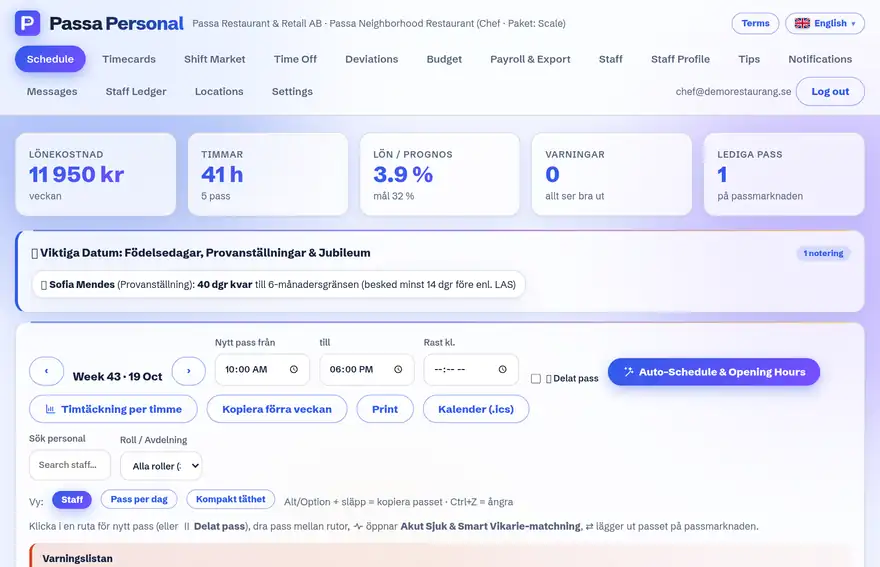
Build the first week
Add shifts under Scheduling and press Publish. Your staff now sees their schedule in the app.
Tip
Delete the files INSTALL.md and ROADMAP.md from the server once installation is done – the guides are only needed during setup and should not be publicly reachable.