When the month is approved, you export the times as PAXml – the format most Swedish payroll systems import.
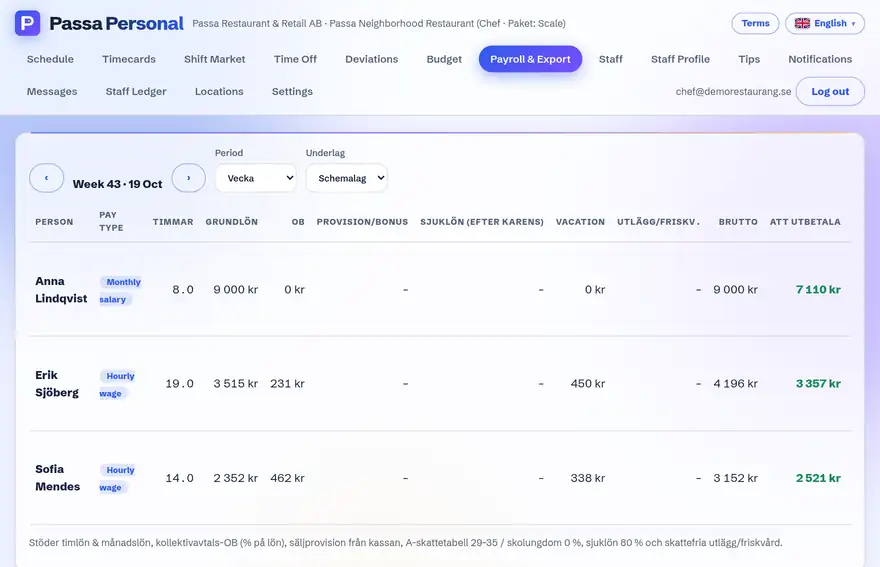
How to do it
- 1
Pick the period
Open the payroll export and choose the month.
- 2
Check the selection
Only approved times are included; unapproved ones are clearly flagged.
- 3
Export
Download the PAXml file and import it into your payroll system, or send it to your accounting firm.
Tip
Run the export after the monthly report has arrived – then you have already seen the figures it builds on.