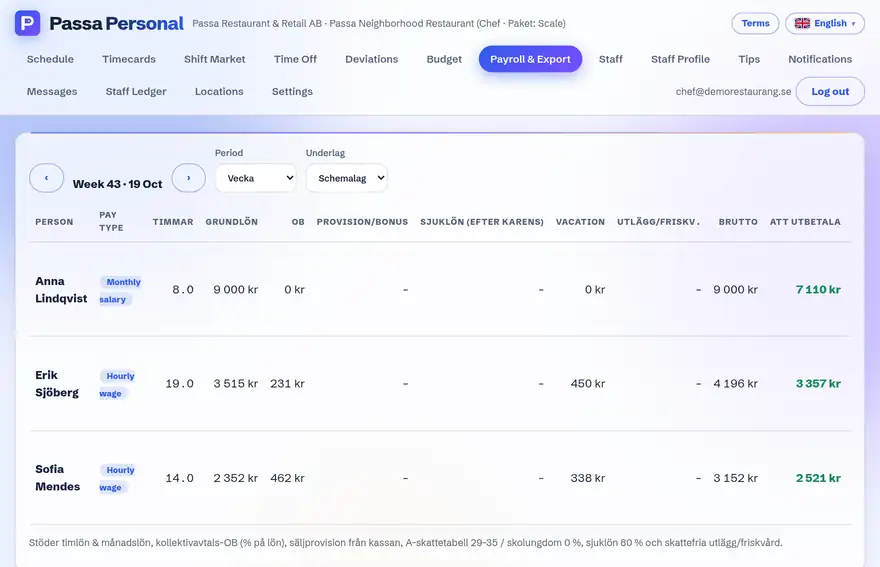
On the first of each month, the monthly report is emailed automatically to the unit’s owners and managers – a PDF per unit with the period’s hours, premiums (OB) and deviations per person.
How to do it
- 1
Approve as you go
Make sure the month’s times get approved – the report builds on them.
- 2
The report sends itself
At the turn of the month the PDF goes out by email. Nothing needs to be clicked.
- 3
Download when needed
Managers can also fetch the report any time under Payroll & reports in the app.
Tip
The monthly report contains payroll figures, so it is only available to owners and managers – regular staff cannot open it, not even via a saved link.