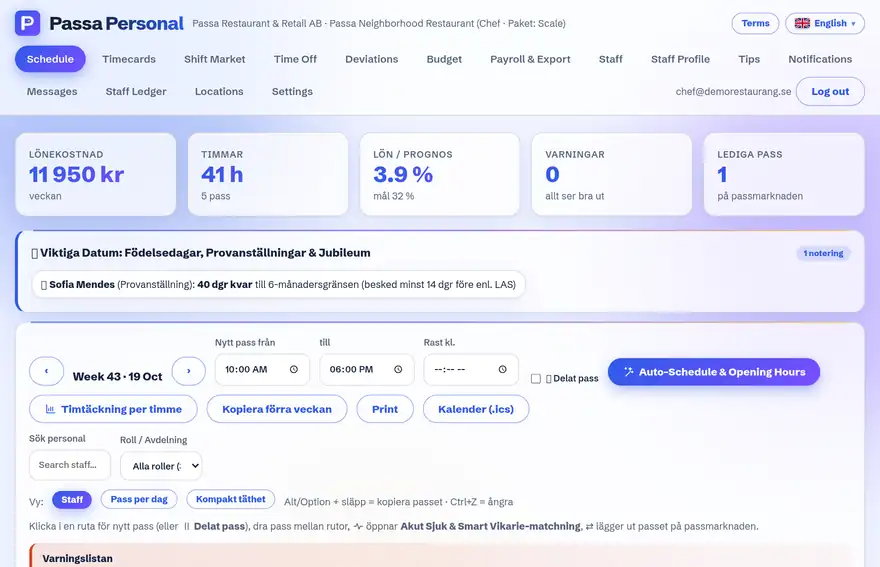
A shift is a block of work at a place – for example Serving 11:00–19:00. The weekly schedule is the sum of the shifts.
How to do it
- 1
Create the shift
In the schedule view: click the day and choose times, place/role and break.
- 2
Assign staff
Assign a person right away, or leave the shift open and put it on the shift market.
- 3
Save as draft
Unpublished shifts are only visible to managers – build the whole week in peace.
- 4
Publish
When the week is done: Publish. Only then do staff see their shifts and get a notification.