Publishing is the line between planning and reality: before it, only managers see the shifts; after it, they are the staff’s truth.
How to do it
- 1
Finish building
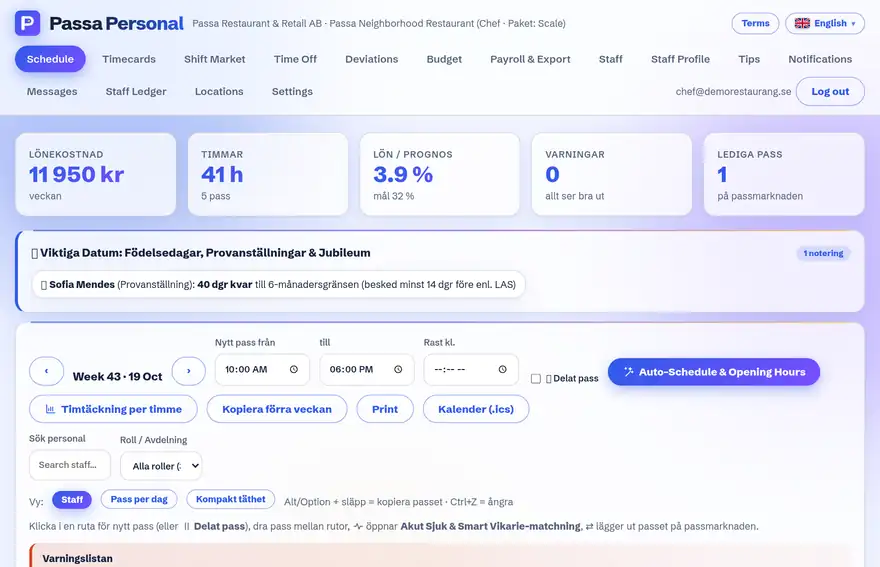
Add the shifts and check the warnings in the schedule view.
- 2
Press Publish
Staff get a push notification and see the shifts in their app right away.
- 3
When things change
If you change a published shift, the person affected gets a new notification about that specific shift.
Tip
Publish the whole week on a fixed day – staff quickly learn when the new schedule lands.