Instead of starting from an empty grid, you enter the opening hours – and the system suggests what the staffing could look like.
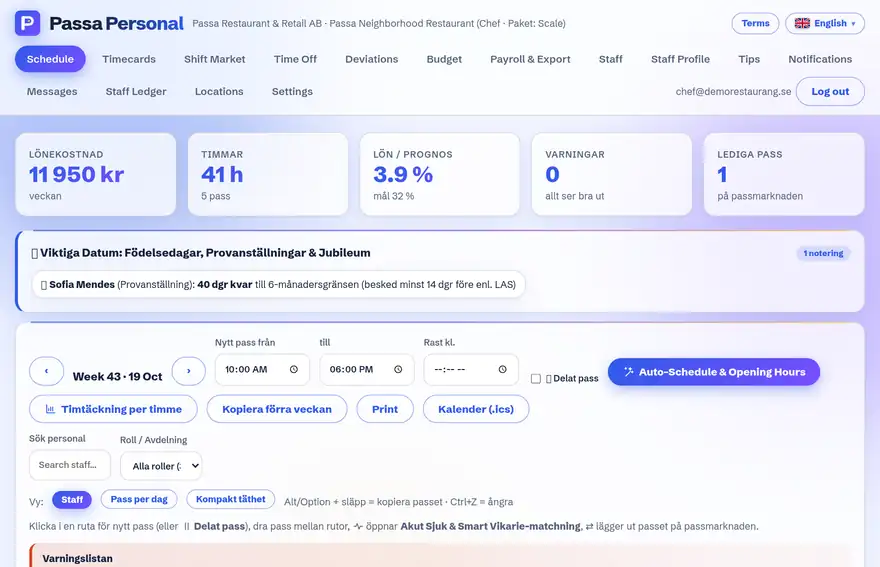
How to do it
- 1
Enter opening hours
State when the business is open during the week.
- 2
Press Suggest schedule
The system lays out shifts based on your templates and staff availability.
- 3
Review the warnings
The rules guard flags problems right away – for example too short daily rest or a missing weekly rest.
- 4
Adjust and publish
Fine-tune by hand and publish when it feels right.
Tip
The suggestion is a starting point, not an answer key – you always have the final say before publishing.