Most weeks look alike. Copy a week that worked and adjust the deviations.
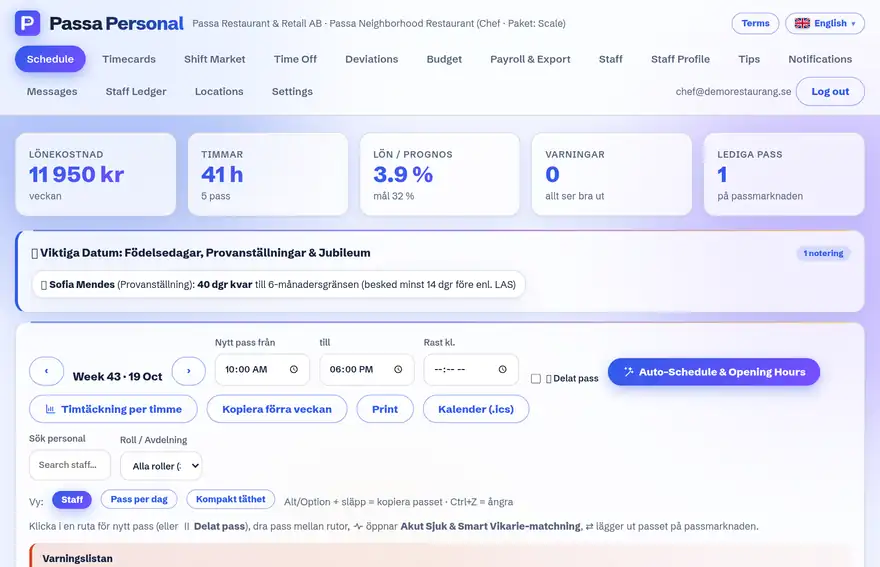
How to do it
- 1
Pick the source week
Open the week that worked well and choose Copy week.
- 2
Pick the target week
The shifts are placed as unpublished drafts in the new week.
- 3
Adjust
Change individual shifts – or select several shifts and change them at the same time.
- 4
Publish
Release the week when it looks right.
Tip
Leave that is already approved in the target week is flagged automatically, so nobody gets double-booked by mistake.