Stop counting hours in your head: the app totals your worked time and shows what the manager has approved.
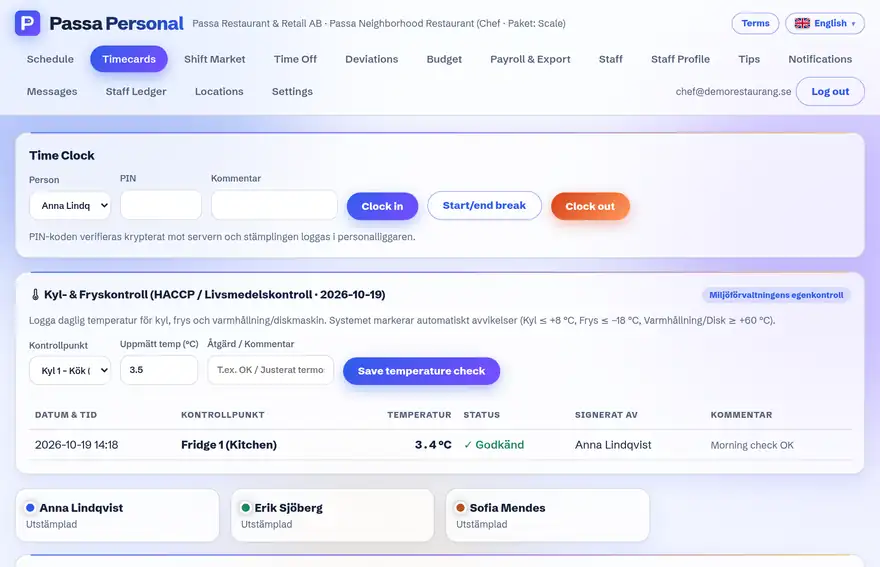
How to do it
- 1
Open My times
Your clockings are listed day by day.
- 2
See the status
Approved times are ready for payroll; the rest are waiting for the manager’s approval.
- 3
Wrong time?
Tell your manager and it will be corrected – you will see the change here afterwards.
Tip
Your worked time is the basis for your pay. Look through it at every turn of the month – it takes a minute.