Welcome! Here is basically all you need to know: see when you work, and clock in when you arrive and leave.
How to do it
- 1
See your schedule
On the start page you see today’s shift and the week ahead. Published shifts are the ones that count.
- 2
Clock in
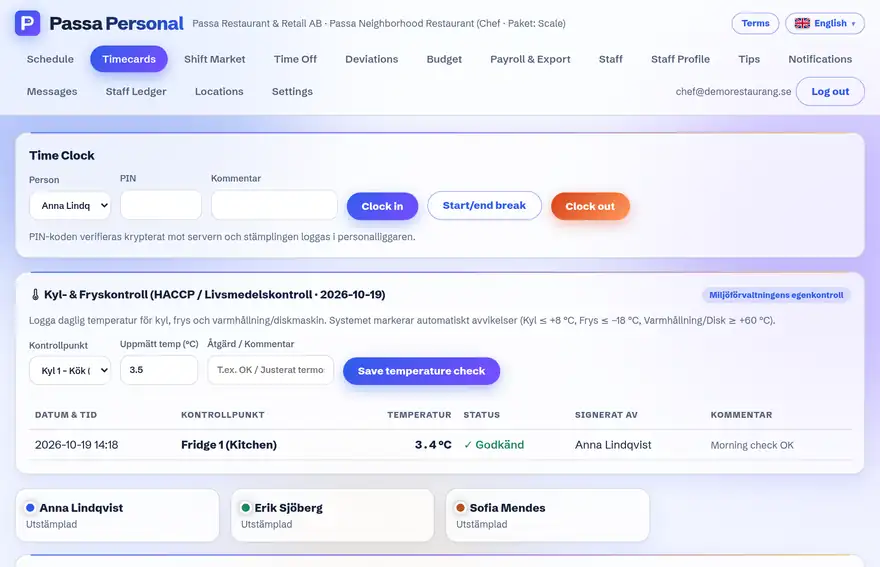
Tap Clock in when you start. On the workplace tablet, instead pick your name and enter your PIN code.
- 3
Clock out
Tap Clock out when you go home – the day’s hours are totalled for you.
Tip
Got a different shift than you expected? Talk to your manager – the manager is the one who can change the schedule.