Want to work more? When the manager posts an open shift you get a notification – the first to sign up often gets it.
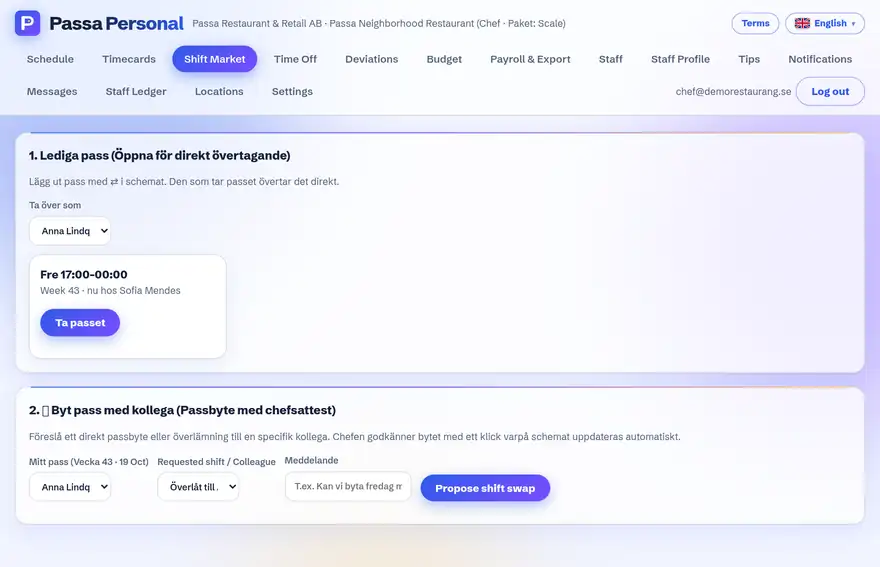
How to do it
- 1
Keep an eye out
Open shifts show in the app and arrive as a notification if you allow them.
- 2
Register your interest
Tap that you can take the shift. You have not got it yet – the manager chooses.
- 3
Get the answer
Once the manager has approved it, the shift shows in your schedule as usual.
Tip
Changed your mind? Withdraw your registration as long as the manager has not approved it yet.