Holidays, days off and other absence are requested in the app and land directly with the manager.
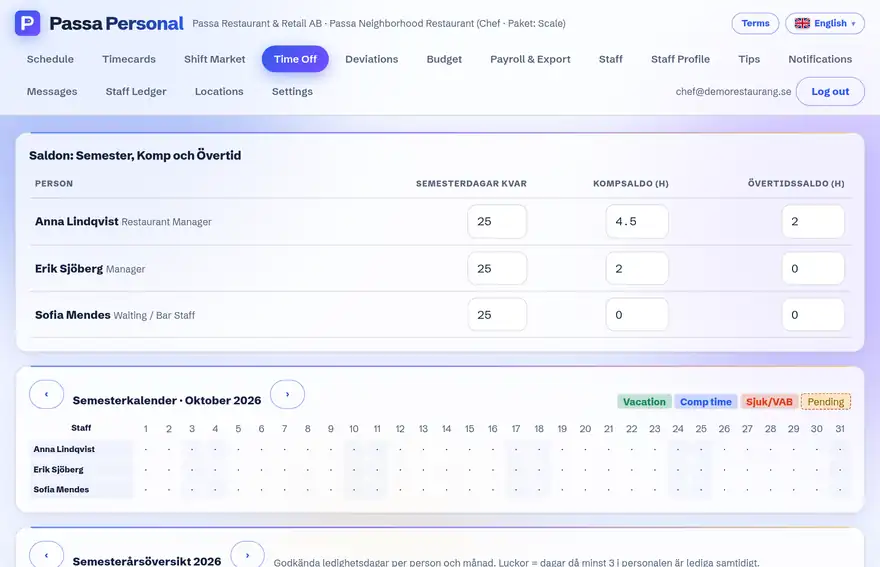
How to do it
- 1
Choose Absence
Open the absence view and pick a type: holiday, day off or other.
- 2
Pick the dates
Mark the period and feel free to add a comment.
- 3
Send
The manager gets a notification and answers in their app – you see the decision right away.
Tip
Apply well ahead of peak season – the manager can see if somebody else is already off in the same period.