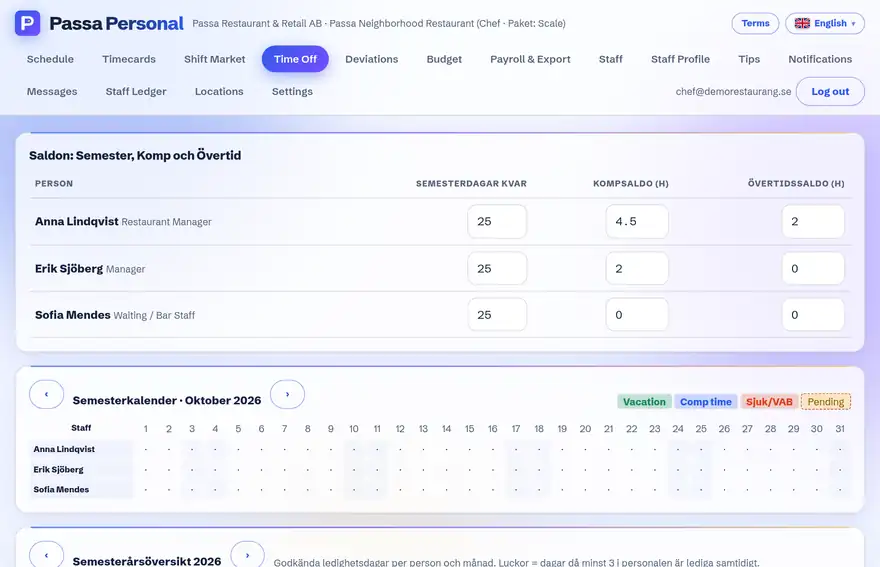
Stop doing holiday maths in your head (or in a spreadsheet): the holiday year is summarised per person.
How to do it
- 1
Open the holiday year
Pick a year in the absence view – the current holiday year is preselected.
- 2
See the balance
Per person: days earned, days taken and days remaining.
- 3
Plan together
Use the view ahead of the holiday season to share the time off fairly.
Tip
The view builds on approved requests – make sure all leave is requested in the app, even what you agreed verbally.