Webhooks send events from Passa Personal to your other tools in real time – for example “an open shift was posted” to the staff chat.
How to do it
- 1
Create the webhook address
In Slack/Teams/Discord: create an incoming webhook for the channel and copy the address.
- 2
Add it in Passa
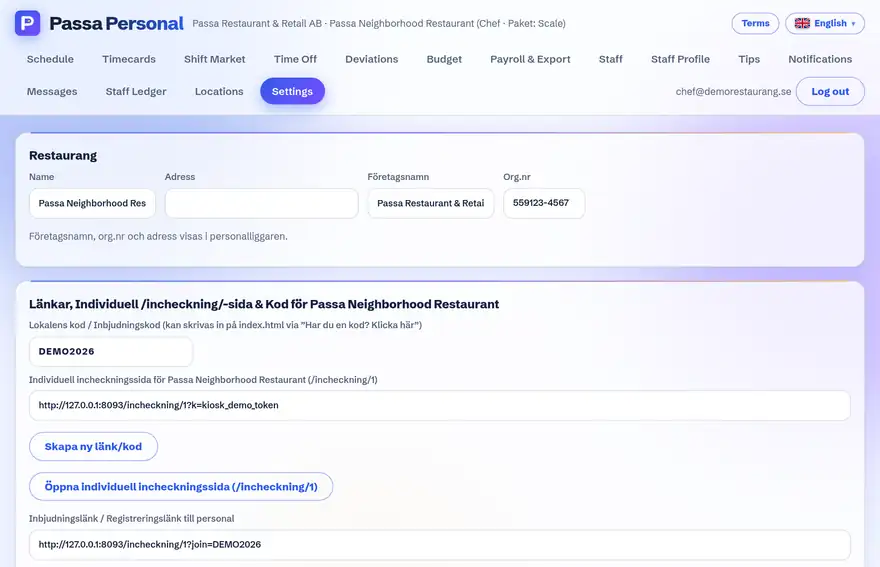
Under Settings → Webhooks: paste the address and choose which events to send.
- 3
Test it
Press Test – a test message should appear in the channel within a few seconds.
Tip
For security, only public https addresses are accepted. Internal network addresses (e.g. 192.168.x.x) are rejected outright – the webhook target must be reachable from outside.