With the till connection, the till sends the day’s sales (the Z report) to Passa Personal automatically – the basis for both staffing and reports.
How to do it
- 1
Get the API key
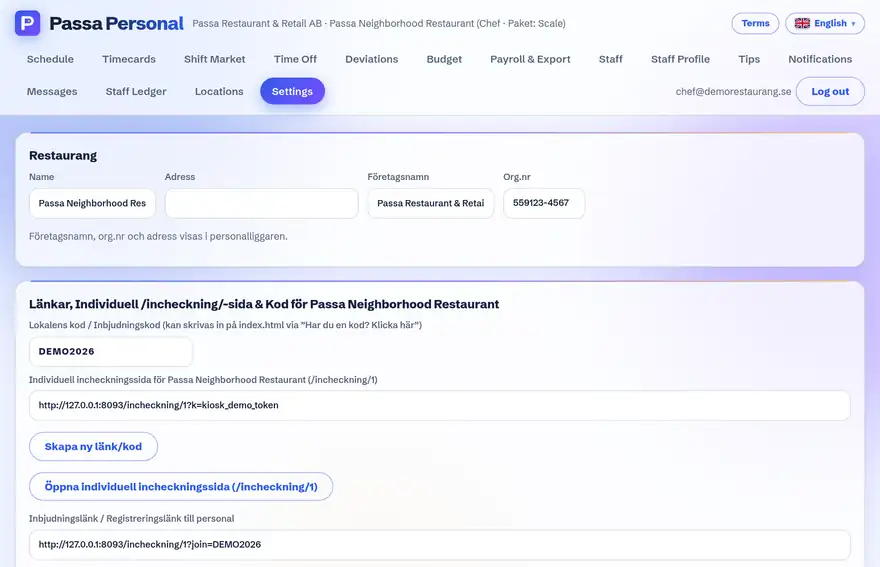
Create an integration key under Settings → Integrations.
- 2
Enter it in the till
Put the address and key in the till system’s export settings.
- 3
Verify
After the next close of day you will see the sales in the till views in the app.
Tip
The full technical description – calls, signing and response codes – is in the API documentation here in the help centre and under /apidocs/ in your system.