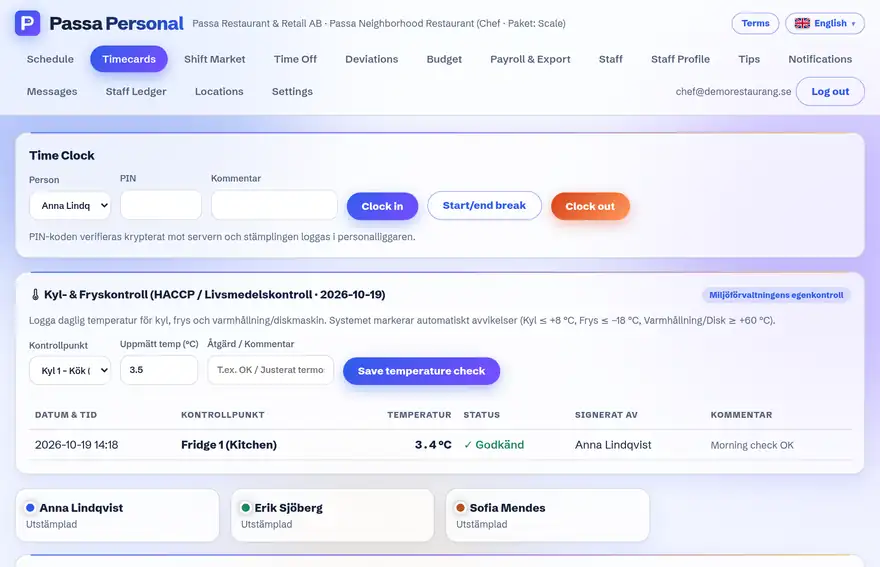
No shared tablet? Staff can clock in on their own phone instead – the times end up in the same place.
How to do it
- 1
Open the app
Log in with your own account.
- 2
Clock in/out
Use the clock button on the start page when your shift starts and ends.
- 3
See your time
Today’s and this week’s times are shown right in your view.
Tip
The manager chooses per unit whether phone clocking is allowed – punch terminal and phone combine perfectly well.