SMS is used for signing links and important notices, among other things. Connect your account at 46elks or Twilio in a minute or two.
How to do it
- 1
Get the credentials
Fetch the API user and API password from your SMS provider.
- 2
Enter them in Passa
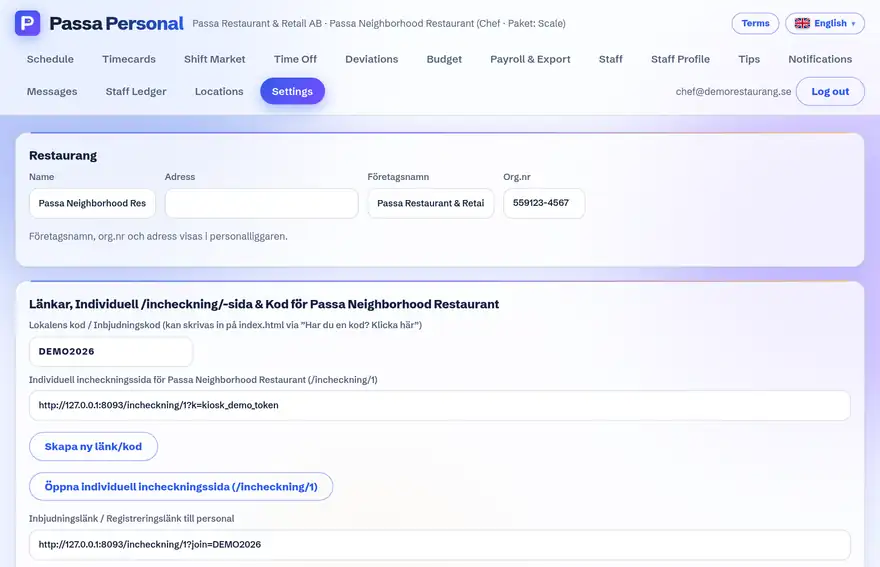
Under Settings → SMS: pick the provider, fill in the credentials and choose a sender – max 11 characters, letters and digits only, e.g. your business name in short form.
- 3
Test it
Press Test SMS and send one to your own number. If you get an error, the text is the provider’s real answer – it tells you exactly what is wrong.
Tip
The API password is stored encrypted, never in plain text. And the sender is automatically cleaned into a valid format if you happen to write it too long or with dots in it.