Your installation is activated with a licence key locked to your domain.
How to do it
- 1
Enter the key
Two lines in config.php on the server: your domain and the licence key you received from us.
- 2
Check the status
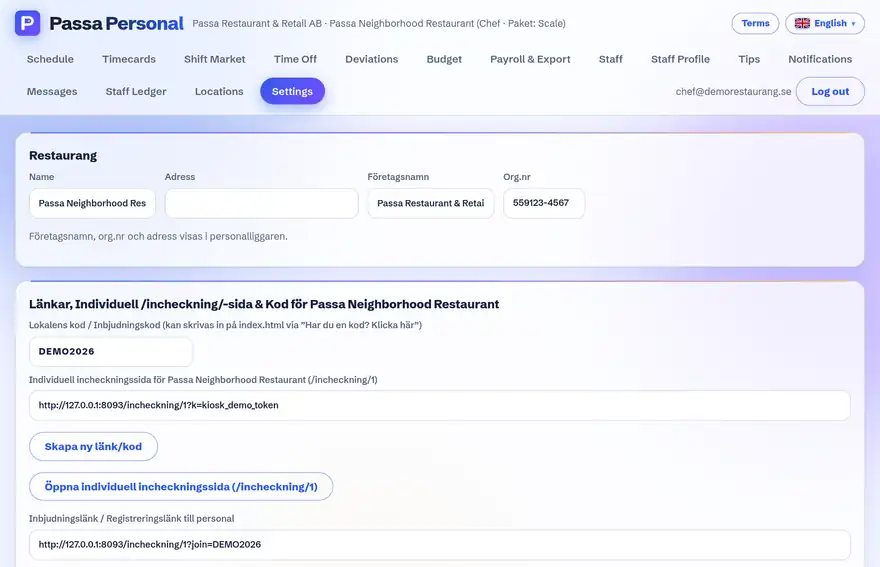
In the admin panel you see the plan, the validity period and what is included.
- 3
At renewal
You receive a new key from us – swap the line in config.php, done. No data is affected.
Tip
The licence keys are cryptographically signed, so they can only be issued by us. An old key can never be “revived” – but a new one takes a minute to arrange.