Every unit has its own join code (lokalkod). Anyone with the code can register as staff at that unit – perfect for extra staff who start the same day.
How to do it
- 1
Find the code
The manager sees the join code in the app under the unit’s settings.
- 2
Share the code
Say it out loud, write it on a note in the staff room or send it in a text message.
- 3
Staff register themselves
They open the app, choose “Register with a join code”, enter their name and pick a personal PIN code.
- 4
Approve if needed
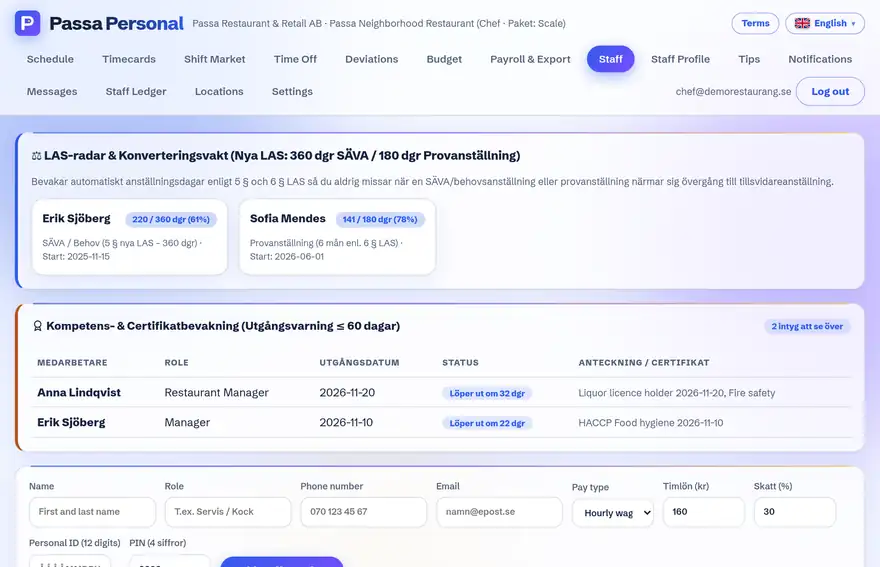
New registrations show up in the staff list right away, where the manager can adjust roles and details.
Tip
Change the join code if it has spread too widely – it does not affect staff who are already registered.